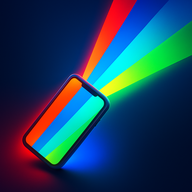
 Color Flashlight
The color flashlight that turns your iPhone into any light you need
Your LED flash only does white. Color Flashlight – ScreenFlash uses your whole screen to shine any RGB color — a mood light, party strobe, SOS beacon, night light and photography fill light in one free app.
One screen. Every color. Every effect.
Precise RGB sliders, one-tap palettes and a full effects engine — see what your screen can do.
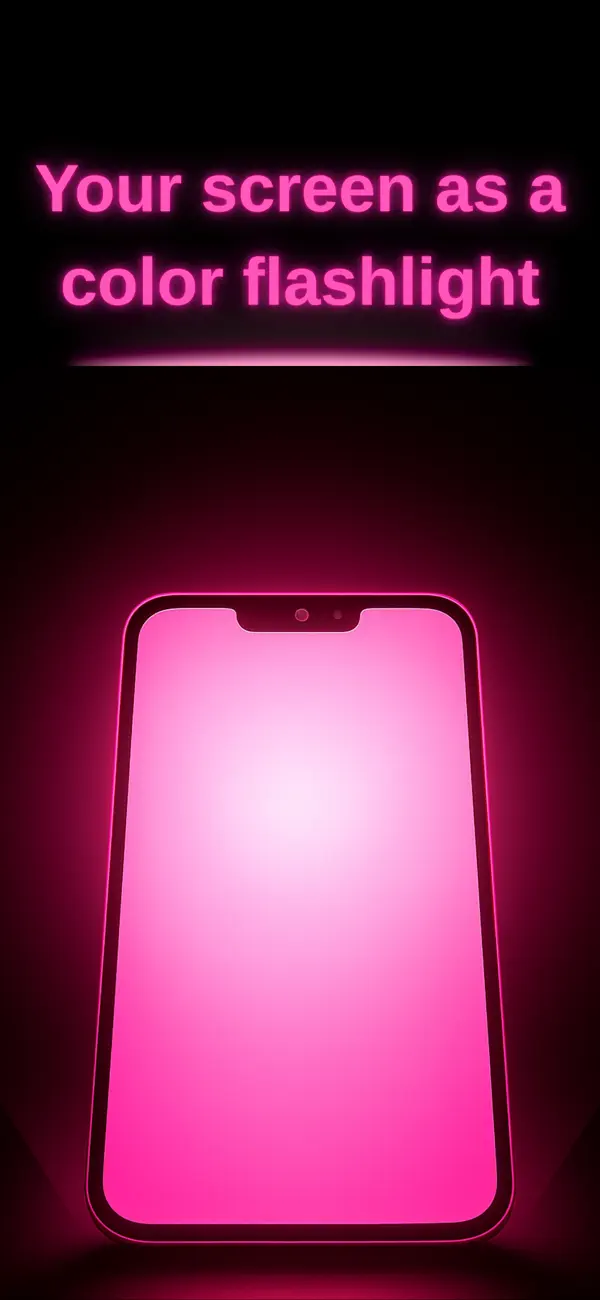
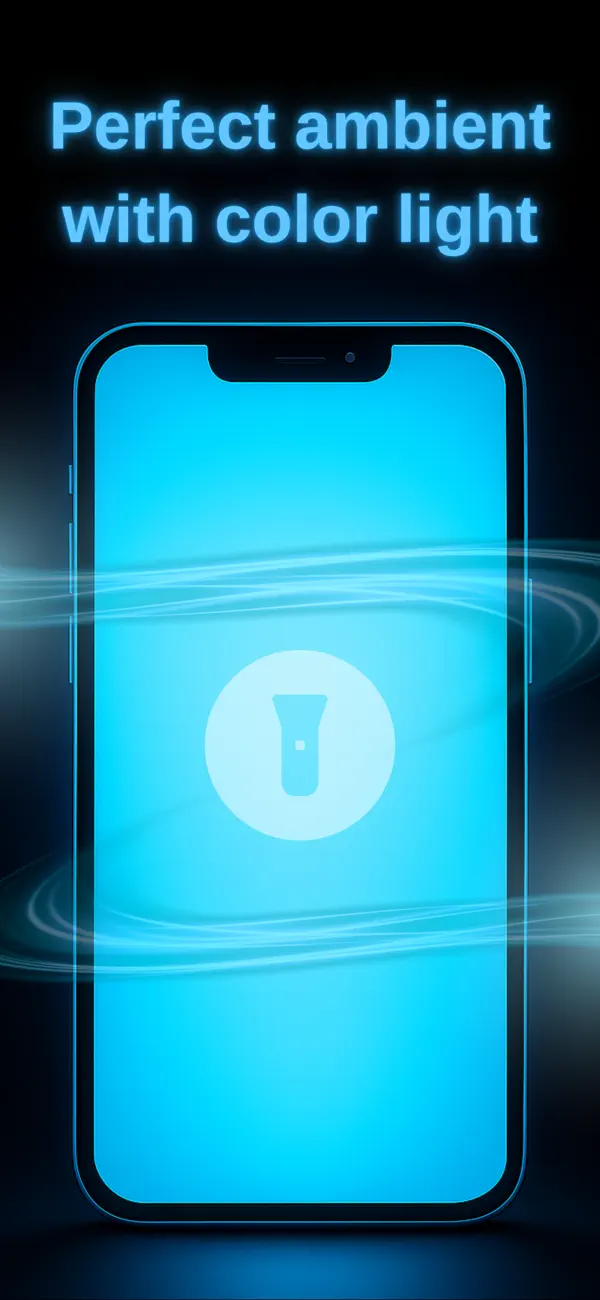
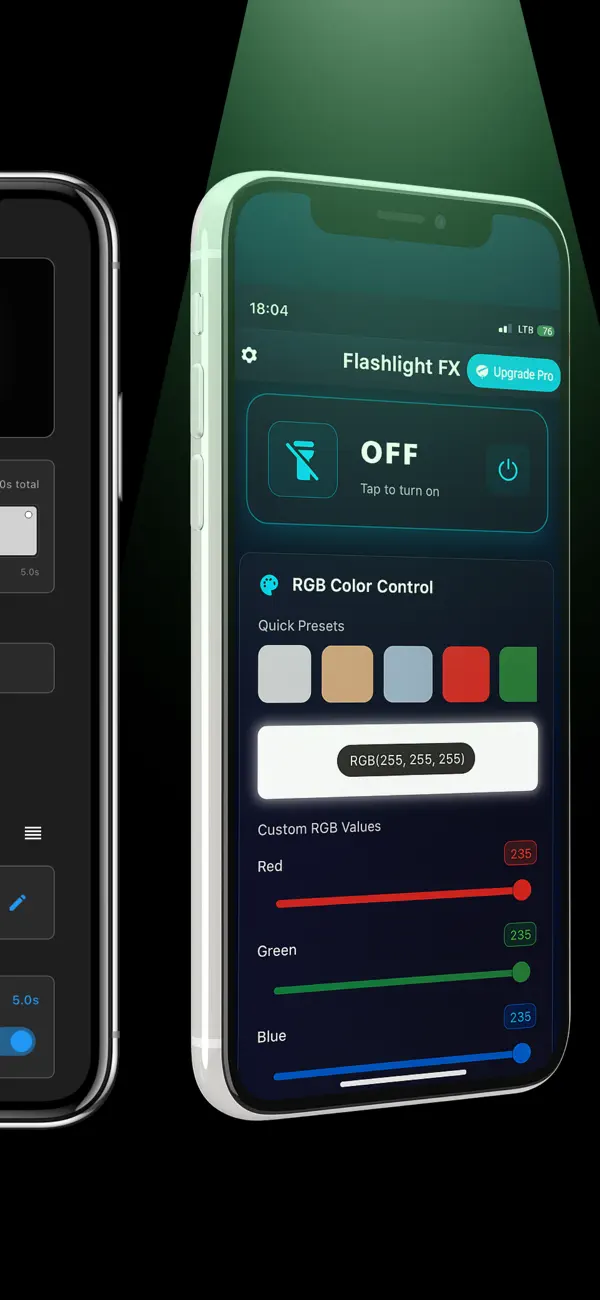
Any color light in four taps
No account, no setup. ScreenFlash uses your display — bigger, softer and cooler-running than the LED flash — so the perfect light is seconds away.
Tap the power button
Open the app and hit the big power button — your screen ignites instantly at your last color and brightness.
Pick your color
Drag the color wheel or fine-tune Red, Green and Blue sliders. Jump to Warm, Cool, Pastel, Neon or Cinematic palettes in one tap.
Add an effect
Swipe up for Strobe, SOS, Disco, Police and Rainbow. Long-press any effect to adjust speed and looping.
Save your preset
Keep unlimited favorites — your reading amber, party strobe or baby night light is always one tap away.
A complete color light toolkit
Unlimited RGB colors
Full-spectrum color wheel plus individual R/G/B sliders and color-temperature control for the exact tint you need.
Adjustable strobe light
50–1000 ms flash timing for parties, cycling visibility or photography — far more control than LED strobe apps.
SOS Morse beacon
One tap flashes the international ··· ––– ··· distress pattern, meeting global emergency signaling standards.
Disco & Rainbow modes
16-color disco jumps with vibration sync, or a smooth rainbow hue rotation for ambient color.
Police lights
Authentic alternating red-blue pattern that boosts roadside visibility or powers your costume and party effects.
Night light & dimmer
Dim from floodlight to gentle baby-nightlight and lock the brightness — with a dark, glare-free interface.
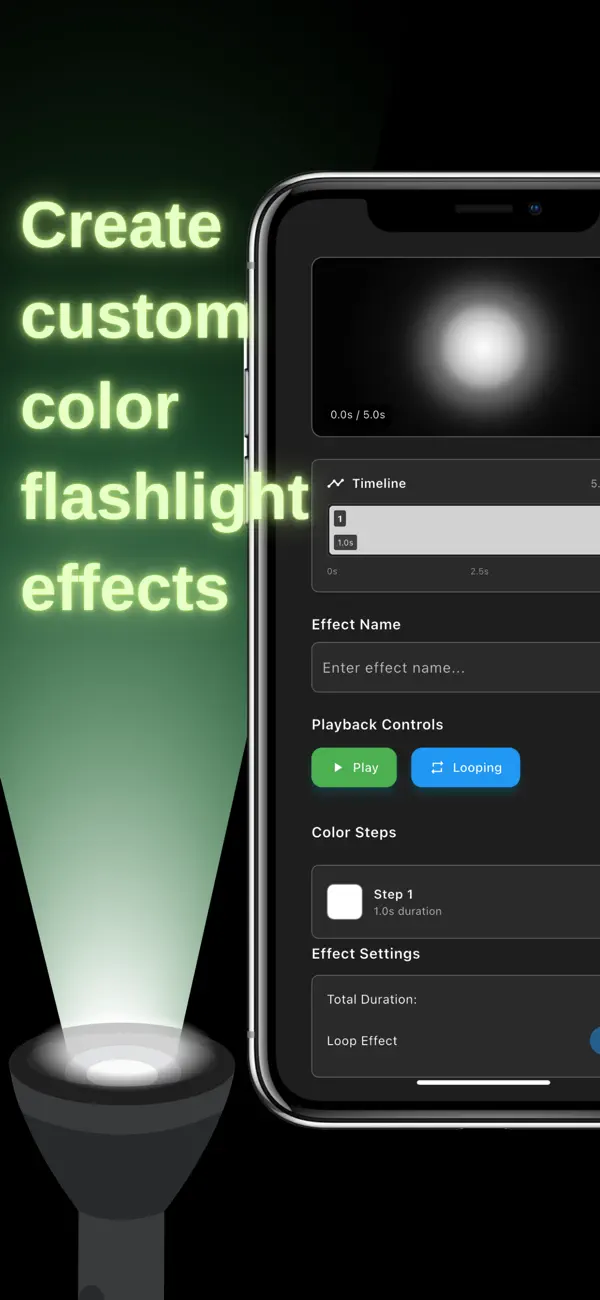
Timeline editor (Pro)
Script multi-step color shows with fade, hold, pulse and loop — an industry first for light apps.
Battery & heat smart
Screen light runs cooler than a strobing LED, and the wakelock keeps the display on only while you need it.
iPhone & iPad
Universal app for iOS 12+ — the bigger the screen, the bigger your light.
What will you light up?
Real-world ways people use a screen-based color flashlight — with step-by-step instructions.
How to Change Your Flashlight Color on iPhone
iOS can't recolor the LED flash — here's the one-tap way to get a real color flashlight on any iPhone.
Read the guide → Astronomy & campingRed Light Screen for Night Vision
Why stargazers and campers swear by red light — and how to turn your iPhone screen deep red in seconds.
Read the guide → Beauty & video callsTurn Your Phone Into a Ring Light
Get soft, flattering selfie and makeup lighting from the screen you already own — no hardware required.
Read the guide → Party & safetyStrobe Light App: Party Strobe to Safety Blinker
Dial the flash rate from 50 ms rave-speed to a slow safety blink for night cycling and breakdowns.
Read the guide → EmergencySOS Flashlight: Signal for Help With Your Phone
Flash the international Morse SOS pattern automatically — what it means and when to use it.
Read the guide → Home ambienceMood Light App: Ambience Without Smart Bulbs
Turn any room warm, romantic or calm using just your phone — presets, dimming and slow color rotation.
Read the guide → ParentsBaby Night Light: Gentle Red Light for Better Sleep
The sleep science behind warm red light for babies, and how to set a dim, locked night light in seconds.
Read the guide → CreatorsUse Your Phone as an RGB Fill Light for Video
Free continuous lighting for TikToks, Reels and product shots — virtual gels included.
Read the guide → VisibilityPolice Lights App: Red & Blue Flashing Screen
Authentic red-blue alternation for roadside emergencies, costumes and play — used responsibly.
Read the guide → PartyDisco Party Lights From Your Phone
16-color disco cycling and rainbow flow that turn any room into a dance floor — speaker optional.
Read the guide →Frequently asked questions
Can you change the flashlight color on an iPhone?
How do I make my iPhone screen red at night?
Can I use my phone as a ring light or selfie light?
Does the app have a strobe light and can I control the speed?
How do I flash an SOS signal with my phone?
Can my phone work as a mood lamp without smart bulbs?
Is red light better for a baby night light?
Can I use my iPhone as a fill light for video or photography?
Does it have police lights?
Can it do disco or party lights?
Is Color Flashlight – ScreenFlash free?
Will it overheat my phone or drain the battery?
Does it work on iPad?
Stop settling for a white-only flashlight
Join the people lighting tents, parties, nurseries and film sets with the screen already in their pocket. Free download — your first color is 10 seconds away.